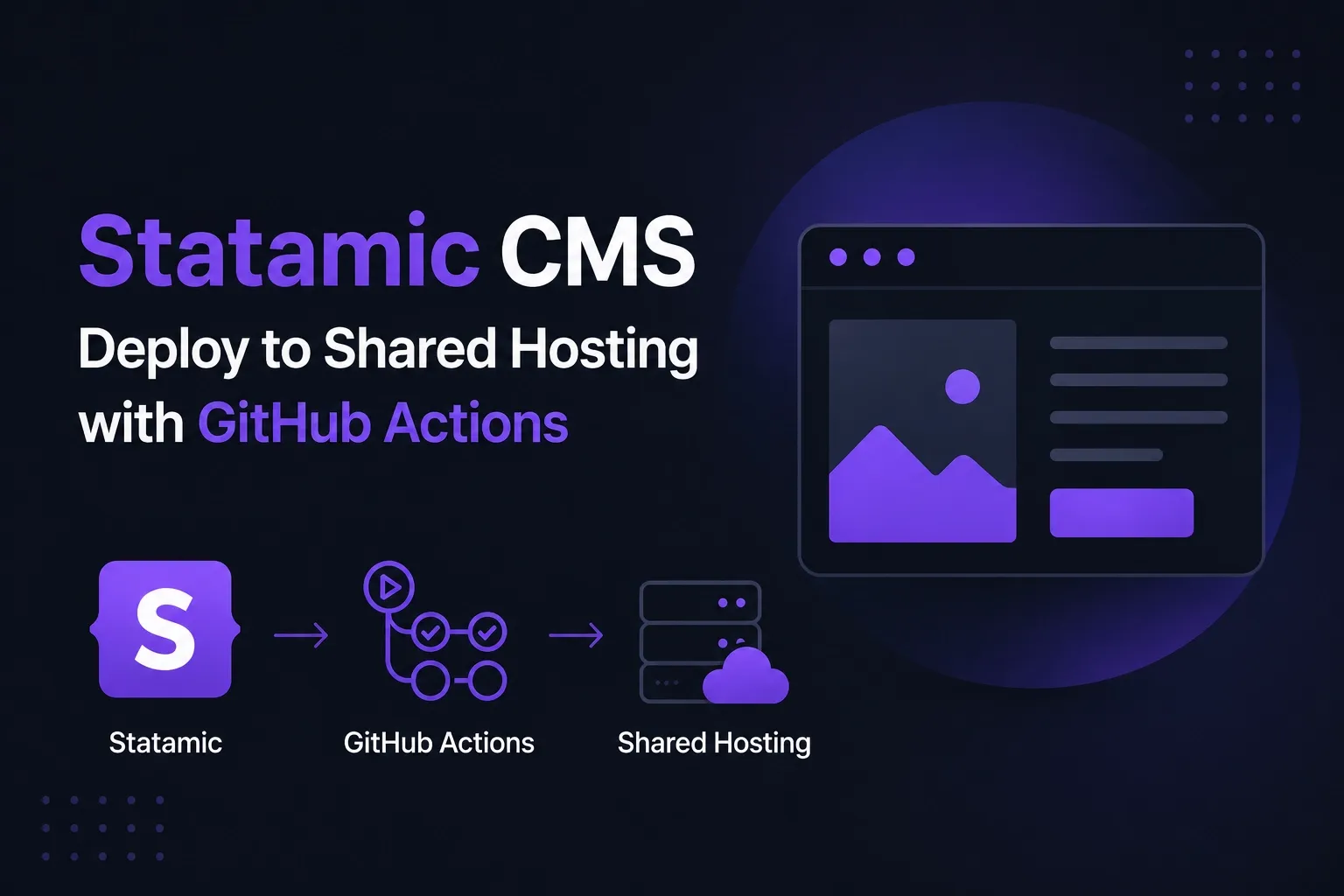
Learn how to automate Statamic CMS deployments to shared hosting using GitHub Actions and FTP, even without SSH access. This guide covers GitHub Secrets, automated builds, Composer installation, environment configuration, and FTP synchronization for production deployments.
If you want to automate your deployment process to shared hosting but do not have SSH access, you can still handle deployments using FTP and GitHub Actions.
With GitHub Actions, you can automatically upload modified files to your hosting space after every push to your repository.
Requirements
A GitHub repository with your Statamic project
FTP access to your shared hosting account
A Statamic license key
Create FTP Credentials
First, create an FTP account inside your hosting provider’s control panel.
Then open your GitHub repository and navigate to:
Settings → Secrets and variables → ActionsCreate new repository secrets for your FTP credentials.
Typical secret names:
FTP_HOSTFTP_USERFTP_PASSWORDSTATAMIC_LICENSE_KEY
Create a Statamic License Key
Create your site license on the official Statamic website:
https://statamic.com/account/sites/create
Create the GitHub Action Workflow
Create the following file:
.github/workflows/deploy.ymlAdd this configuration:
name: Deploy Site after Push to master branch

on:
  push:
    branches:
      - master

jobs:
  web-deploy:
    name: Deploy
    runs-on: ubuntu-latest

    steps:
      - name: Get the latest code
        uses: actions/checkout@v4

      - name: Setup Node.js
        uses: actions/setup-node@v4

      - name: Install NPM dependencies
        run: npm install

      - name: Build frontend assets
        run: npm run build

      - name: Copy environment file
        run: cp .env.hosting .env

      - name: Add environment variables
        run: |
          echo APP_ENV=production >> .env
          echo APP_DEBUG=false >> .env
          echo APP_URL=https://YOURDOMAIN.com >> .env
          echo STATAMIC_LICENSE_KEY=${{ secrets.STATAMIC_LICENSE_KEY }} >> .env

      - name: Install Composer dependencies
        run: composer install --no-dev --optimize-autoloader

      - name: Generate application key
        run: php artisan key:generate

      - name: Clear caches
        run: |
          php artisan cache:clear
          php please stache:clear
          php please cache:clear

      - name: Set directory permissions
        run: chmod -R 775 storage bootstrap/cache

      - name: Deploy files via FTP
        uses: SamKirkland/FTP-Deploy-Action@v4.3.5
        with:
          server: ${{ secrets.FTP_HOST }}
          username: ${{ secrets.FTP_USER }}
          password: ${{ secrets.FTP_PASSWORD }}
          server-dir: /public_html/
How the Workflow Works
This workflow automatically:
Installs NPM dependencies
Builds frontend assets
Copies the hosting environment configuration
Installs Composer dependencies
Clears Statamic and Laravel caches
Uploads changed files via FTP
Your .env.hosting file should already exist inside your repository.
The following variables should NOT be included in that file because they are generated during deployment:
APP_ENVAPP_DEBUGAPP_URLSTATAMIC_LICENSE_KEY
First Deployment May Take Longer
During the first deployment, GitHub Actions will upload all files including the vendor directory.
Depending on your internet connection and hosting provider, the first upload may take up to 1–2 hours.
Afterward, only modified files will be uploaded, making future deployments much faster.
Deploying from Another Branch
The workflow above automatically deploys when pushing to the master branch.
You can change this to any branch you prefer:
branches:
  - production
Shared Hosting Apache Rewrite Configuration
If you cannot change the default document root of your hosting account, you may need to upload everything into the public_html folder and redirect requests into the public directory.
Create a .htaccess file in the root directory of your Statamic application:
RewriteEngine On
Options +FollowSymlinks
RewriteBase /

RewriteCond %{HTTP_HOST} ^.*$
RewriteCond %{REQUEST_URI} !public/
RewriteRule ^(.*)$ public/$1 [L]
This configuration redirects incoming requests into the Statamic public folder.
Final Thoughts
Even without SSH access, GitHub Actions combined with FTP deployment provides a reliable and automated deployment workflow for Statamic CMS on shared hosting environments.
Once configured, deployments become fully automated and require only a simple push to your GitHub repository.