A workflow tool starts faster, but custom code can be cheaper long term. Four questions that settle which way to go.
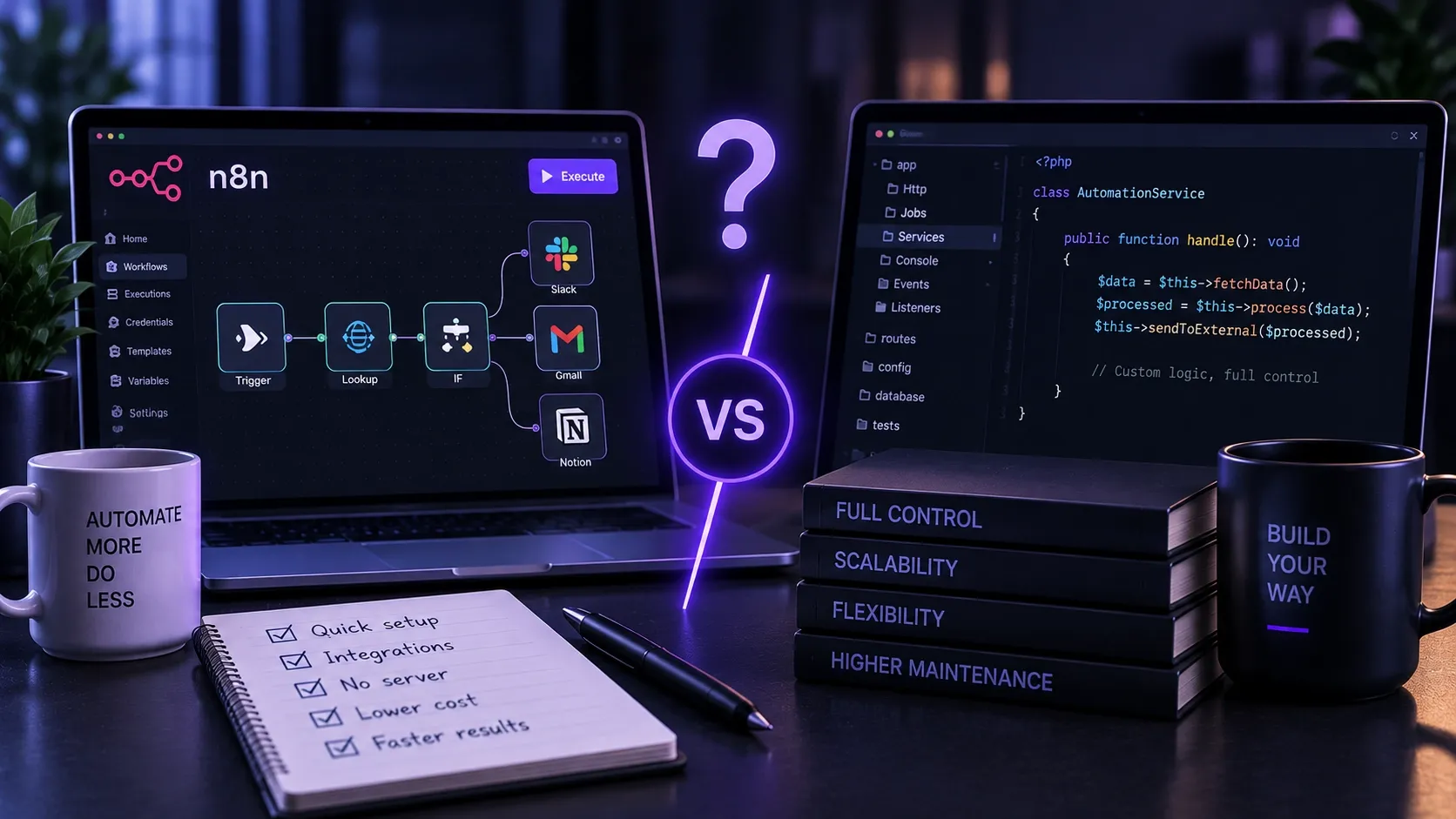
When two systems need connecting, there are two ways to start: a workflow tool such as n8n or Make, or custom code inside your own application. Both can be the right call, just not for the same thing.
1. How often will it run?
At a few dozen runs a day, a workflow tool is convenient and cheap. If you need to process hundreds of events a minute, execution-based cloud pricing can become a significant cost; in a self-hosted environment, the cost model is different.
2. How complex is the logic?
"When a form arrives, send an email and write it into the CRM" is exactly what workflow tools are for. Once the process involves branching, error handling, retries and state tracking, the visual editor becomes hard to read. A twenty-node flowchart can easily become harder to maintain than the same logic expressed in well-structured code.
3. Who will change it?
Possibly the most important question. If a marketing colleague wants to adjust the emails, the visual tool wins, even where code would be technically more elegant. If a developer will touch it anyway, code brings version control, code review and testability.
4. What happens when it breaks?
An automation is dangerous when it fails silently. Ask: how will you know it did not run? Is there a retry? Where do the failed records go? Both approaches can handle this, but with workflow tools it is often skipped, because the happy path can be clicked together in minutes.
In practice it tends to be a mix
For most of our clients we do not choose: the infrequent, frequently changing, business-edited processes run in n8n, while high-volume or critical data movement lives in the application, with tests. The two talk to each other over the same API.
What to avoid
Letting a workflow that started as a prototype run a live business process for years without documentation or monitoring. That is the most common reason an automation ends up creating more work than it saved.