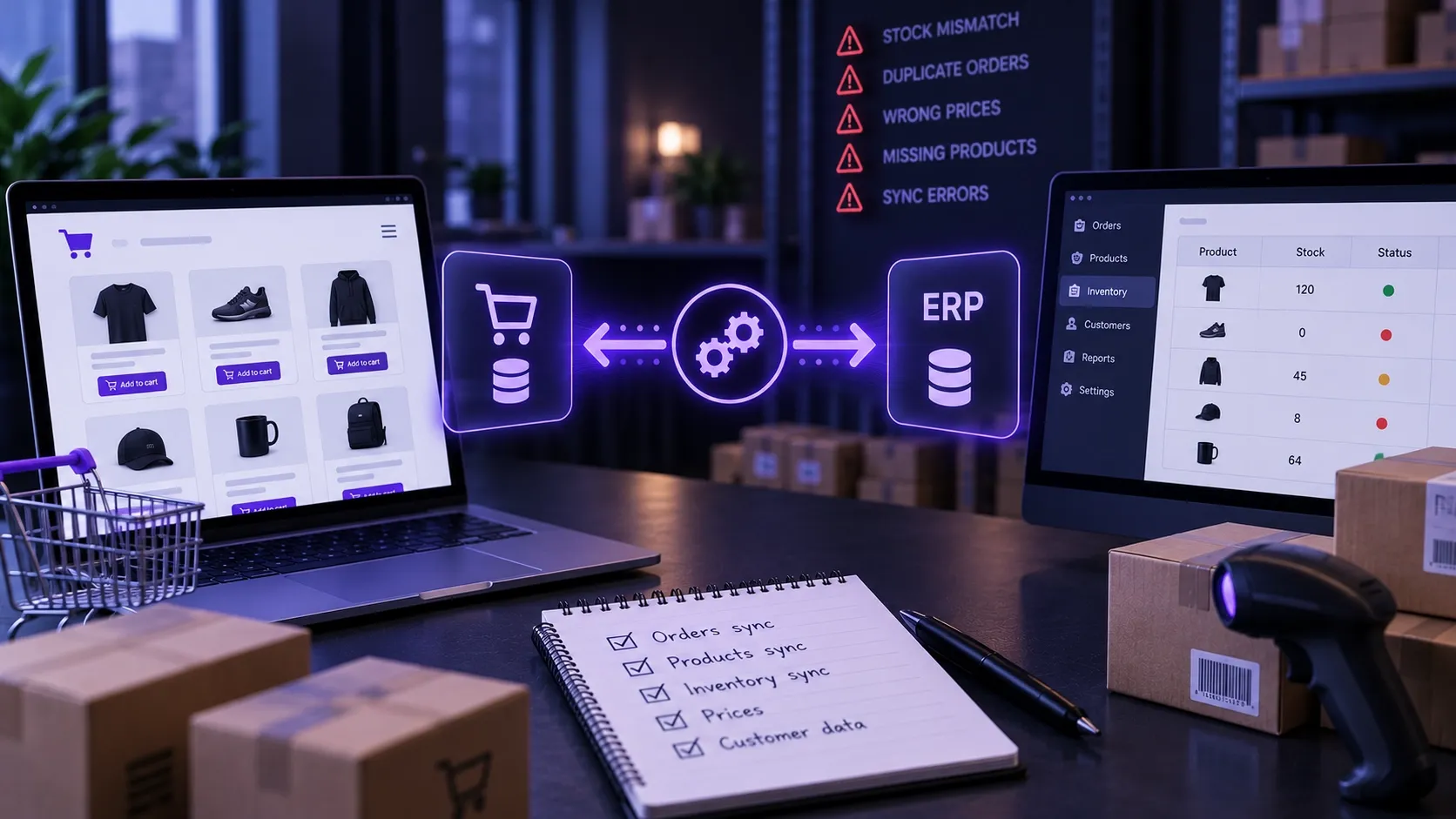
A stock mismatch is rarely the ERP's fault. Five recurring integration mistakes that let a shop sell what is not in the warehouse, and how to avoid them.
Connecting a webshop to an ERP rarely fails because there is no API. Far more often it fails because the rules of the data flow were never thought through. These are the five mistakes we meet most often.
1. No single source of truth
The most common cause. If stock can be changed both in the shop and in the ERP, the two will drift apart, and afterwards nobody can say which is right. Every piece of data needs an owner: stock belongs to the ERP, price comes from there too, while orders are created in the shop. One direction, one truth.
2. Scheduled sync instead of event-driven
A sync running every fifteen minutes works well, right up to the first sale day. If the last units go in minutes, the shop spends fifteen minutes selling something that no longer exists. The answer is not necessarily continuous sync: low-stock products can be updated on events, while the rest stay on a schedule.
3. No reservation
At high volumes, stock synchronisation alone is not always enough. You should define when inventory is reserved — for example at the appropriate point in checkout or payment — and how long that reservation remains before being released after an unsuccessful purchase. Without a reservation, two customers may still buy the same last unit.
4. Silent error handling
When the ERP is unreachable the sync fails, and often nobody hears about it. You need a queue where failed operations collect, with automatic retries, and an alert when something is still stuck after several attempts. With integrations the question is not whether errors will happen, but whether you will notice them.
5. Ambiguous product identifiers
If the two systems match records by name or article number, one typo or one rename breaks the sync. You need a stable identifier that never changes, is the same on both sides, and is never reused for a different product.
How we would start
Before a single line of code, write a table: what data, from which system, how often, in which direction, and what happens on failure. That table usually takes an afternoon, and saves most integration projects from months of debugging.